
Workspaces tied to a specific matter or transaction. Unlike standalone conversations, a project keeps every document, conversation, and tabular review in one place.
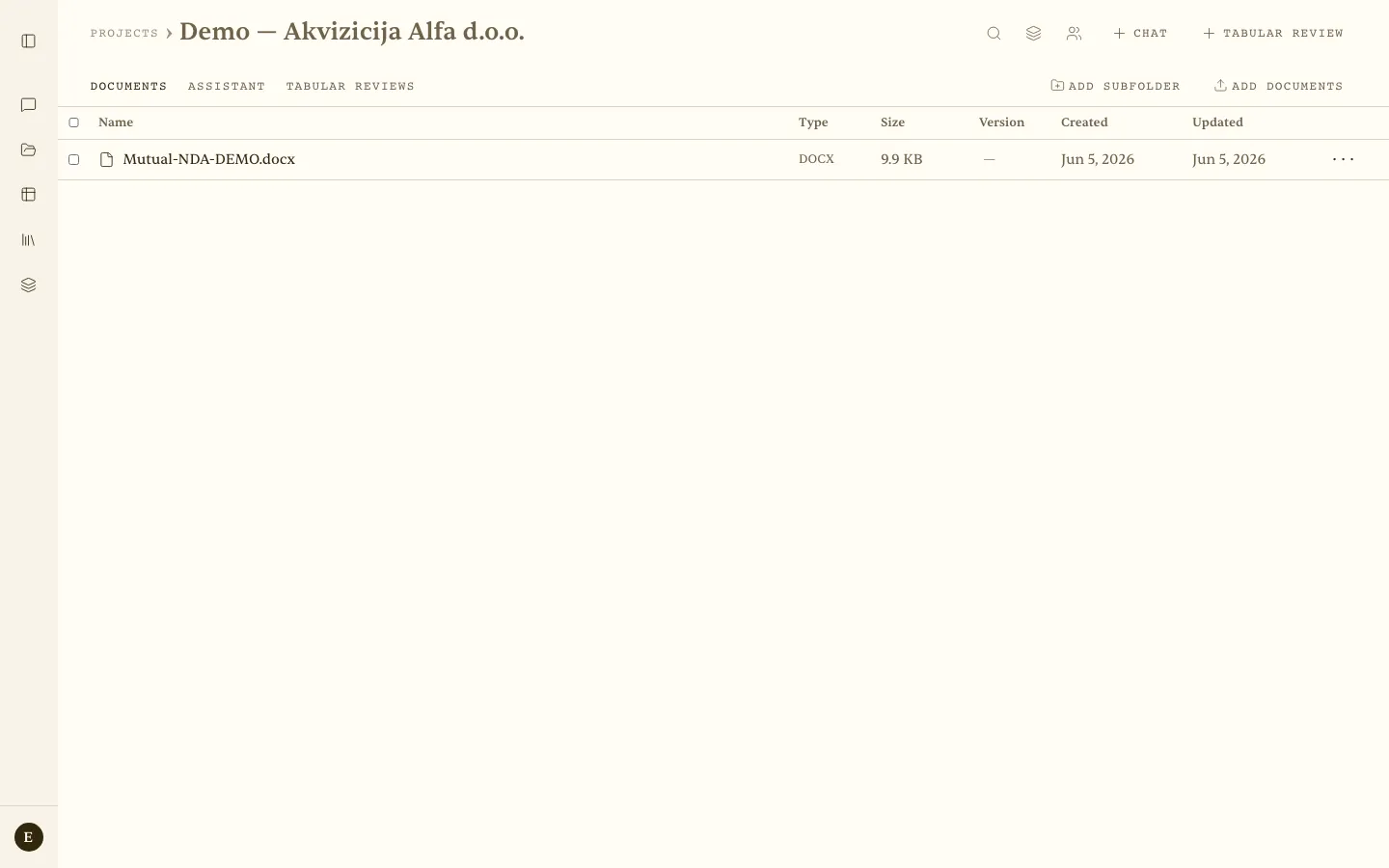 The “Demo — Akvizicija Alfa d.o.o.” project — Documents / Assistant / Tabular reviews tabs, the search, Contexts, and People icons, and the + Chat and + Tabular review buttons.
Project structure
- Name and an optional CM (matter) number.
- Documents in folders and subfolders (Name, Type, Size, Version, Created, Updated).
- Assistant conversations tied to the project (the Assistant tab).
- Tabular reviews within the project.
- Attached contexts that apply to every conversation in the project.
- Collaborators with access (sharing).
How to use
- Create the project — Projects → + New project (name plus an optional CM number).
- Upload documents — click Add documents; create subfolders to organise them where needed.
- Start a conversation or review — use the + Chat and + Tabular review buttons in the top right. Eulex Desk has access to every document in the project.
- Attach a context (optional) — click the layered Contexts icon on the project page to apply a saved set of sources and instructions to every conversation in the project.
- Invite colleagues — use the person icon in the toolbar to share the project with collaborators.
Versioning: upload a new version of a document, and every previous version stays available in the view.
Scenario — due-diligence pack — A team opens the “Acquisition Alfa d.o.o.” project, uploads 40 contracts into subfolders (Commercial / Employment / Leases), and asks:
“Which contracts contain a change-of-control clause, and what are the notification obligations?”
Eulex Desk searches every document and answers with citations contract by contract, so no one has to read through each document by hand.
